
Multi-Language Output
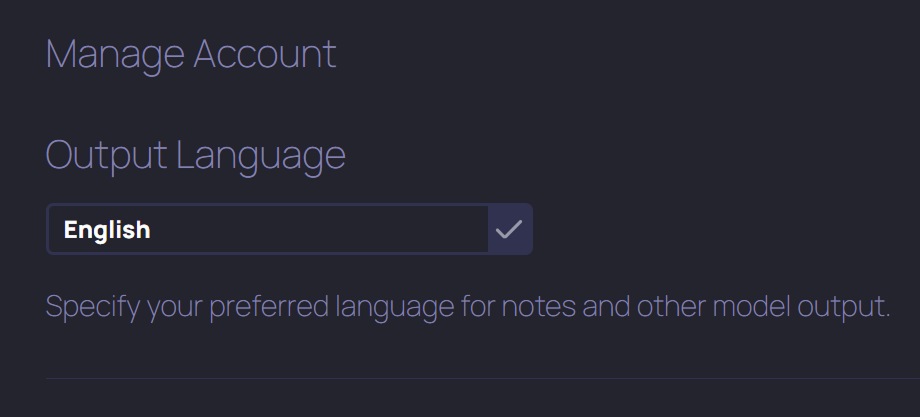
Did you know TheraPro can understand multiple languages, and even mixed languages in session?
But up to now TheraPro’s output language has defaulted to English, regardless of the language used in session. We’re excited to announce that now you can use the new Output Language setting to tell TheraPro you’d like your notes and all other output to be in your preferred working language. This feature is now available to users in the Plus, Pro, and Multi-Therapist plans. Read on for more details.
HOW DO I SET THE OUTPUT LANGUAGE?
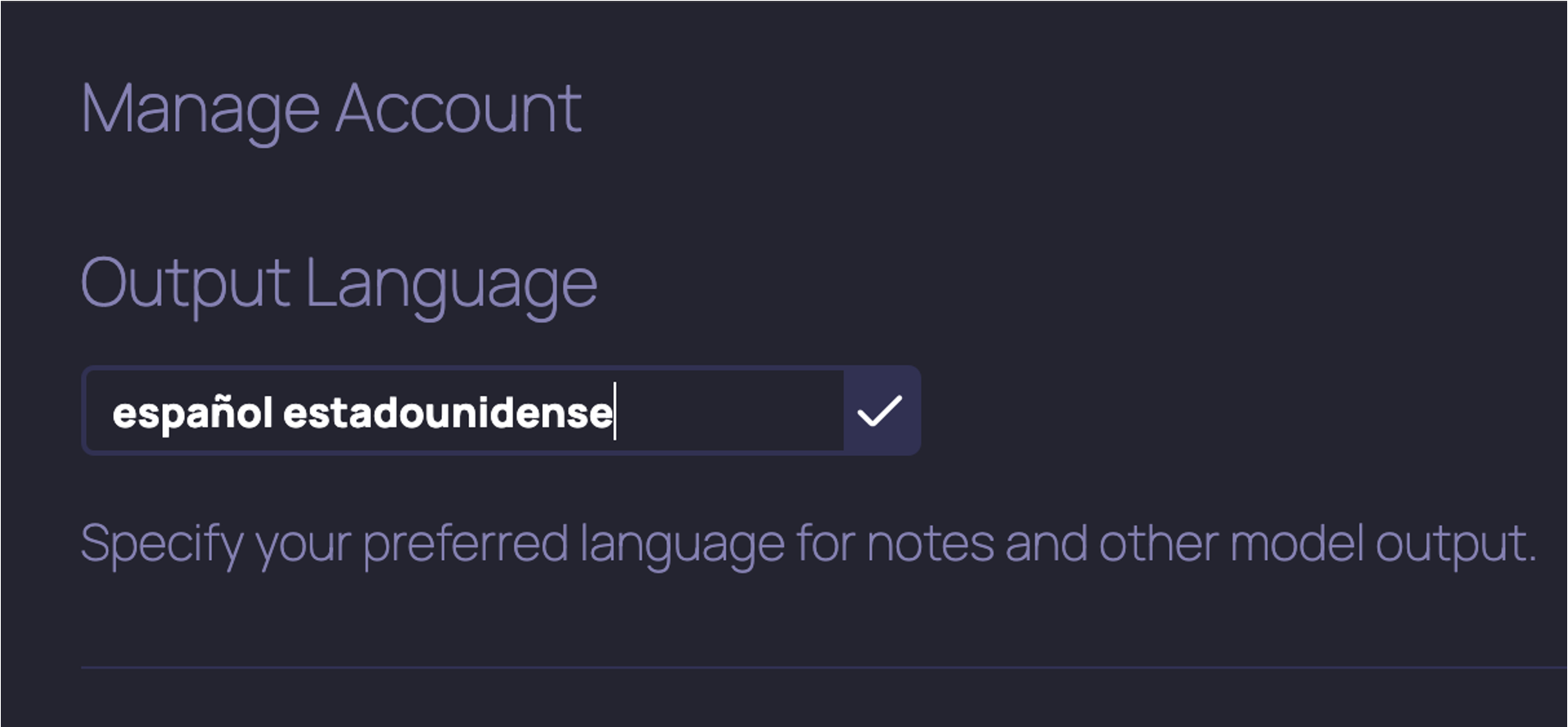
Let’s say you’d like all your notes to be generated in Italian by default. Go to Settings, select Manage Account, and now you’ll now see an Output Language setting. Just type in the name of the language (e.g., “Italian” or “Italiano” or “l’italiano” or “la lingua italiana” or similar) and TheraPro will write all your notes in the language you specified from that point forward.
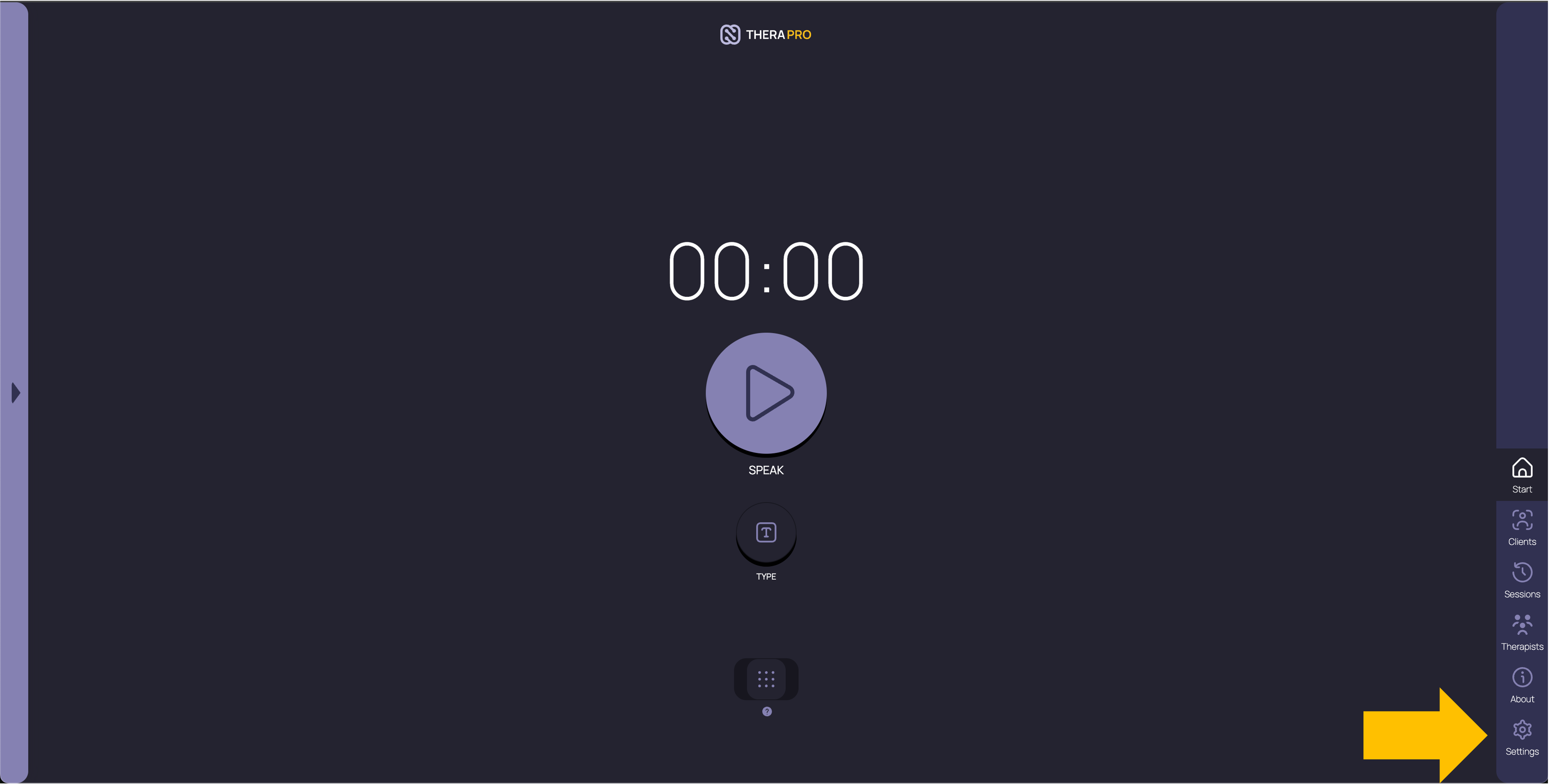
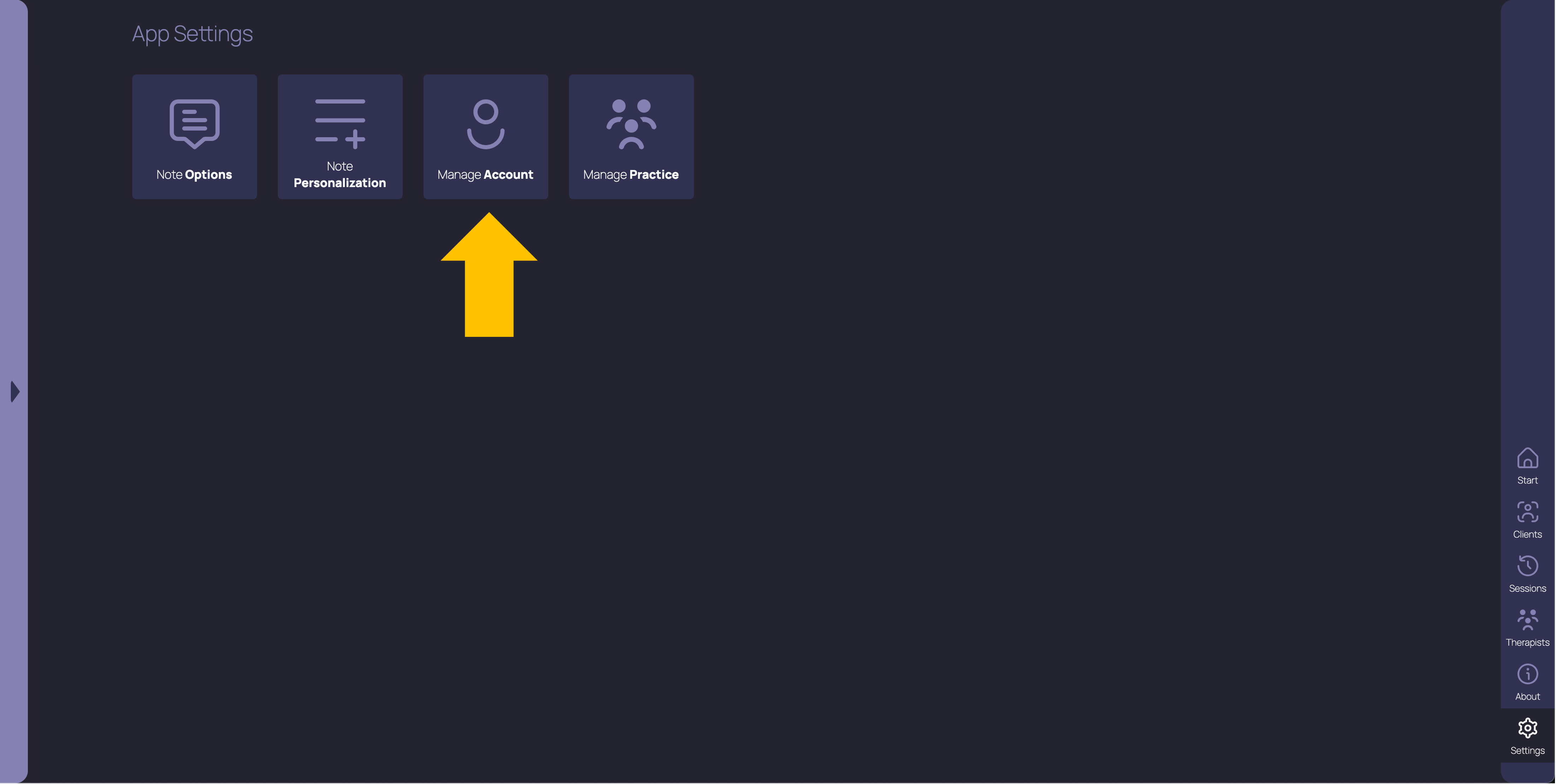
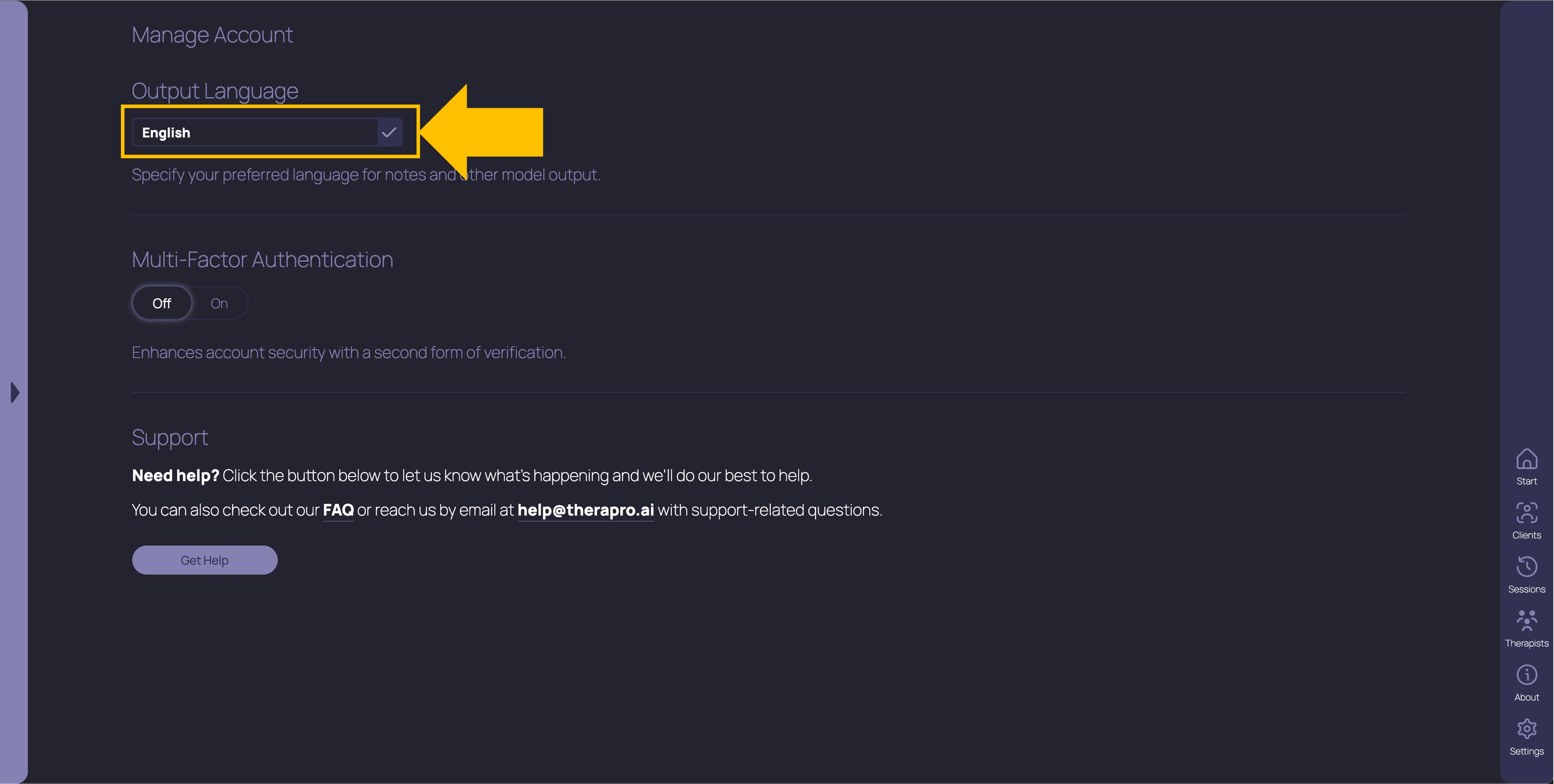
You can also tell TheraPro if there’s a specific variant or dialect of the language you want it to use. For example, you can type in “Spanish as spoken in Mexico” or “español mexicano" or similar to ensure your notes use Mexican Spanish, or “Spanish as typically spoken in the US” or “español estadounidense” or similar to have your notes output in US Spanish.
WHAT HAPPENS WHEN I SET AN OUTPUT LANGUAGE?
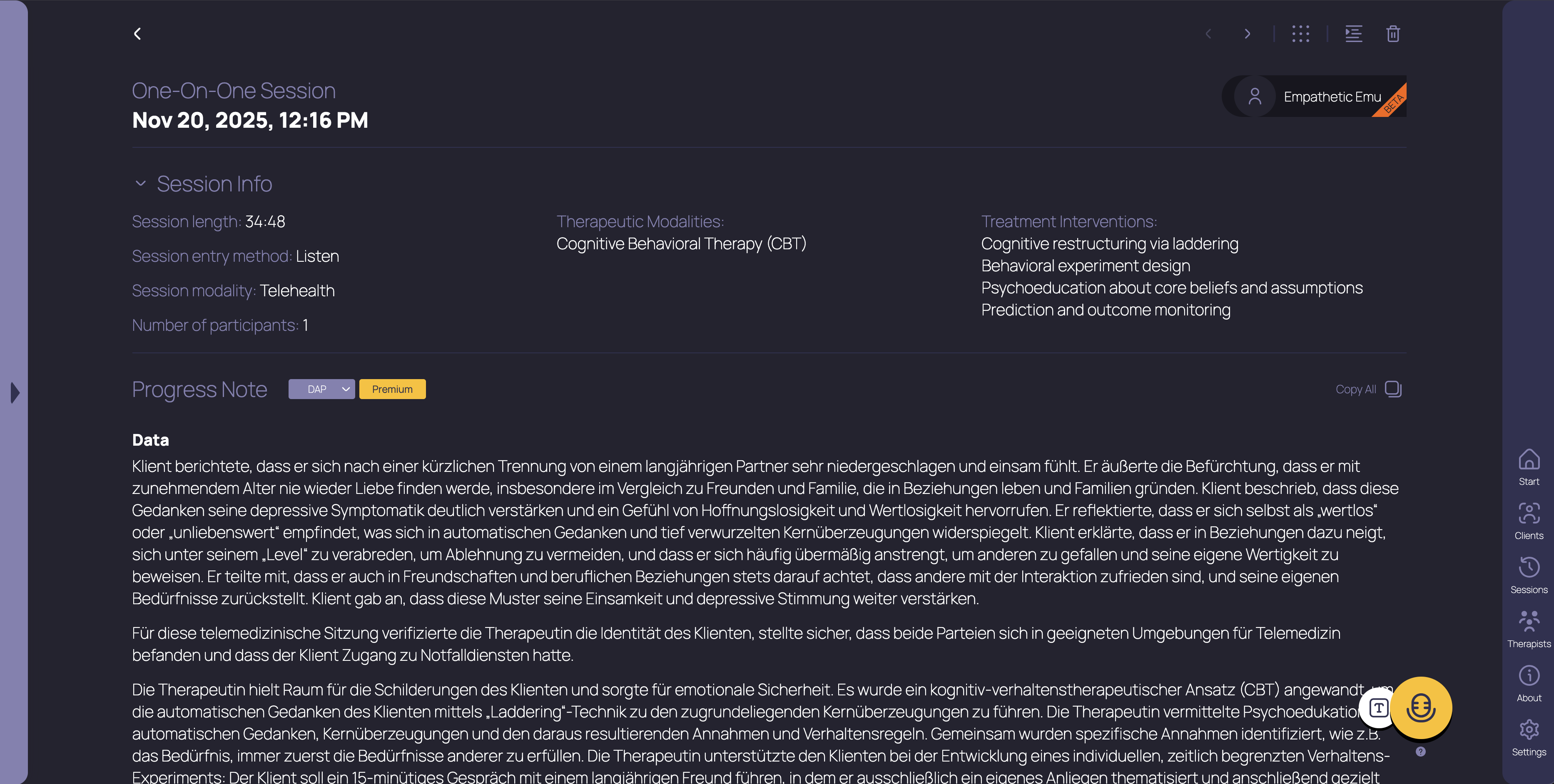
After you set your preferred Output Language, all TheraPro’s output will now default to that language, including your notes, your custom Note Templates, output from the Diagnostic Assistance and Treatment Planning functions, your Client profiles, your Thera edits, and your in-session Thera Prompts. The language of the app itself won’t change, only the output generated by the TheraPro models.
WHICH LANGUAGES CAN I TELL IT TO USE?
TheraPro can both understand and generate output in over 50 languages, or multiples of this number when you include possible dialects. If you enter an unsupported language in your Output Language setting, you’ll see an error message and your default output language won’t change. Write to us at help@therapro.ai if you’re having trouble setting TheraPro to your preferred working language!
WHAT ELSE SHOULD I KNOW?
You can override your Output Language setting with a Note Personalization or by using Thera edits to change the language of a note after it’s been generated. This is useful if you want most of your notes to be in one language, but sometimes they need to be in another. For example, you can leave your Output Language set to English if most of your notes need to be in English (even if you use Spanish in session), and use a Thera edit (such as “rewrite this note in Spanish”) when you want to see Spanish output.
Get started with TheraPro AI by checking out our Plans and Pricing, finding out more about How TheraPro Works, or seeing our approach to Security and Privacy. You can Contact Our Team to talk with a real person if you have questions, or Sign Up to create a free account and start using TheraPro AI today!